Business Hours & Availability
Control when your AI agent answers calls and what it says outside business hours.
Setting Your Business Hours
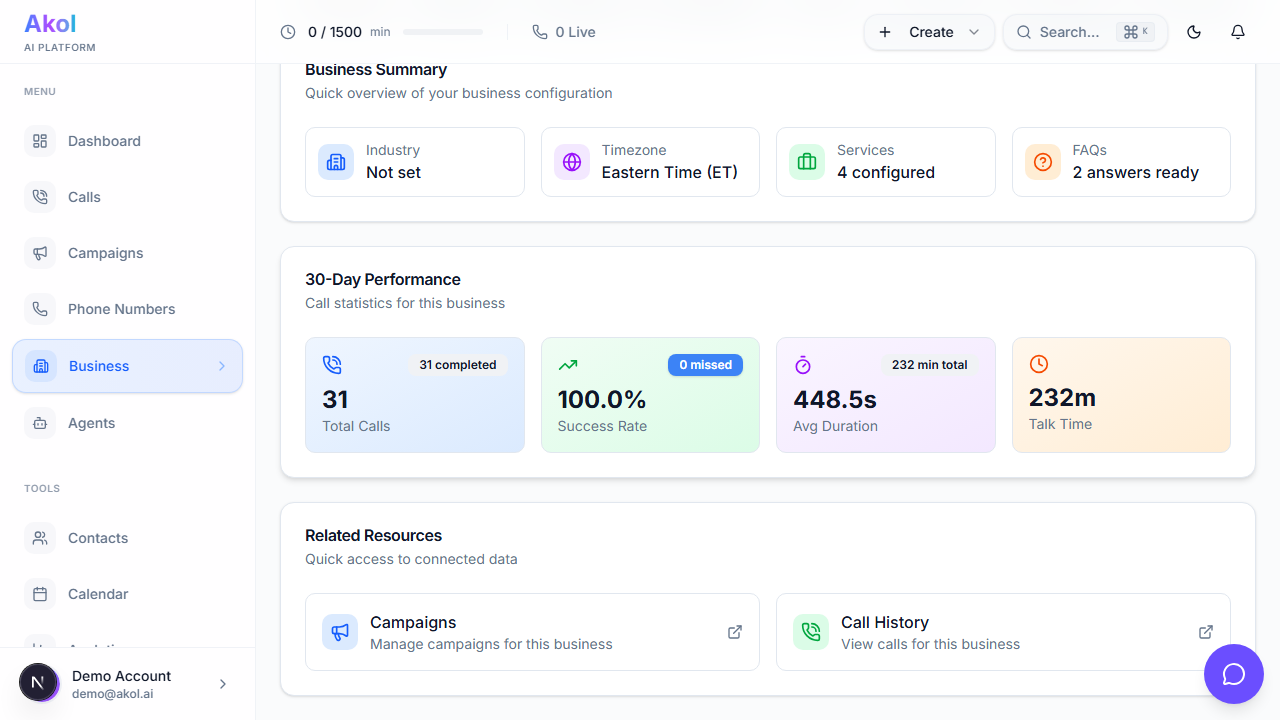
- Go to Dashboard > Business Profile
- Find the Business Hours section
- For each day:
- Set your open time and close time
- Check Closed for days you don’t work
Example hours for a plumber:
| Day | Hours |
|---|---|
| Monday | 8:00 AM – 6:00 PM |
| Tuesday | 8:00 AM – 6:00 PM |
| Wednesday | 8:00 AM – 6:00 PM |
| Thursday | 8:00 AM – 6:00 PM |
| Friday | 8:00 AM – 5:00 PM |
| Saturday | 9:00 AM – 1:00 PM |
| Sunday | Closed |
How Your Agent Uses Business Hours
Your AI agent uses your hours in several ways:
Answering Hours Questions
When a caller asks “What are your hours?”, the agent responds naturally:
“We’re open Monday through Friday from 8 AM to 6 PM, and Saturdays from 9 AM to 1 PM. We’re closed on Sundays.”
Booking Appointments
When booking appointments, the agent only offers time slots during your business hours. It won’t book a Tuesday at 7 PM if you close at 6 PM.
After-Hours Behavior
When someone calls outside business hours, the agent can:
- Let them know your hours and when you’ll be available
- Take a message for you to follow up
- Offer emergency service (if you have it)
After-Hours Instructions
After-hours behavior is configured at the campaign level. Each campaign can have different after-hours settings. Here are some example approaches:
Example for a business with emergency service:
“After hours, let the caller know our regular hours and ask if it’s an emergency. For emergencies (flooding, no heat in winter, gas leak), offer our 24/7 emergency service at $250 minimum. For non-emergencies, take their name and number and let them know we’ll call back first thing in the morning.”
Example for a business without emergency service:
“After hours, let the caller know we’re currently closed and share our business hours. Take their name, number, and a brief message. Let them know we’ll return their call during the next business day.”
Seasonal Hours
If your hours change by season (common for HVAC businesses):
- Go to Dashboard > Business Profile
- Update your business hours
- Save changes
Your agent will immediately start using the new hours.
Remember to update your hours for holidays too. If you’re closed for Thanksgiving or Christmas, adjust your hours so your agent communicates that correctly.
Time Zones
Your business hours use the time zone set in your business profile. Make sure it matches your actual location so callers get accurate information.
Tips
- Include Saturday hours if you work weekends — many home service customers call on Saturdays
- Set up after-hours messaging — Don’t leave callers without a response
- Offer emergency service if you can — it’s a competitive advantage
- Update for holidays — Set special hours for days you’re closed