Call Transcripts
Every call your AI agent handles is automatically transcribed — so you can read exactly what was said without listening to the recording.
Viewing a Transcript
- Go to Dashboard > Calls
- Click on any call
- Select the Transcript tab
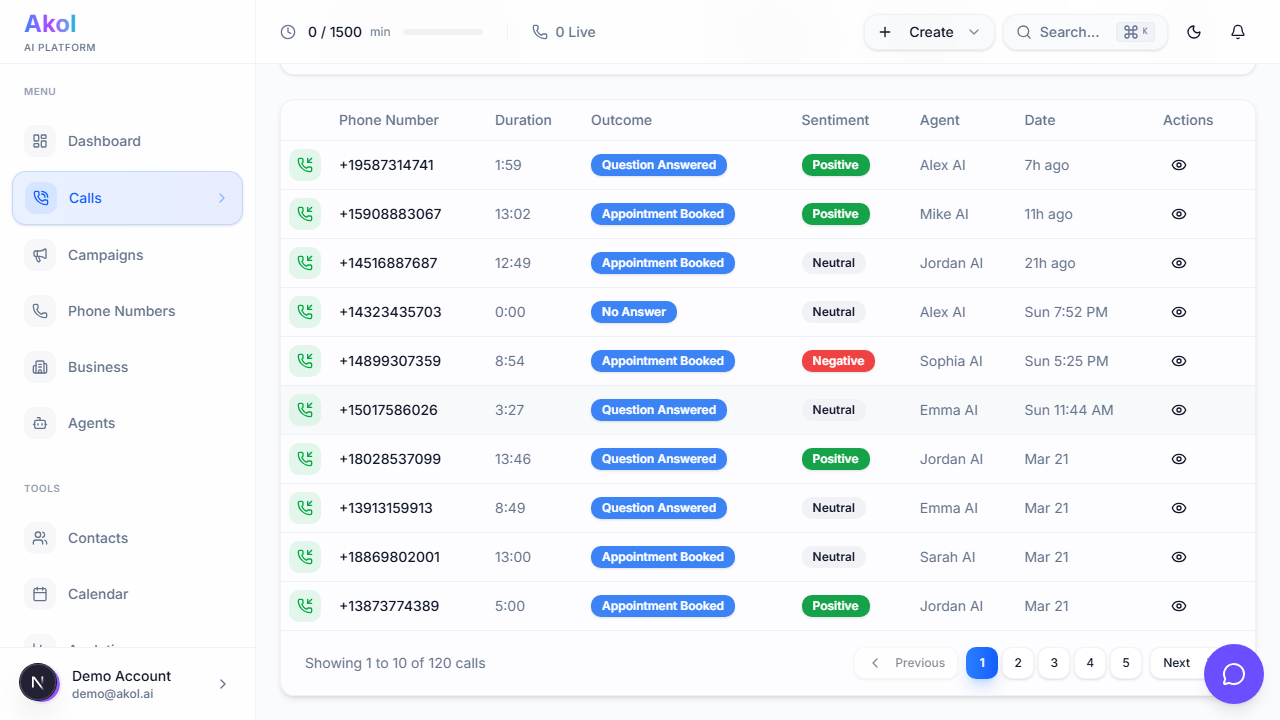
What Transcripts Look Like
Transcripts show the full conversation with:
- Speaker labels — You can see who said what (AI agent vs. caller)
- Timestamps — When each part of the conversation happened
- Full text — Every word that was spoken
Example transcript:
Agent (0:00): Hi, thanks for calling Sunset Family Dental! This is Sarah, how can I help you today?
Caller (0:04): Hi, I’d like to schedule a teeth cleaning. It’s been a while since my last visit.
Agent (0:08): Of course! I’d be happy to help you schedule that. Are you an existing patient with us, or will this be your first visit?
Caller (0:14): First visit. Do you accept Delta Dental insurance?
Agent (0:17): Yes, we do accept Delta Dental. Let me check our availability. I have openings this Thursday at 10 AM or next Monday at 2 PM. Which works better for you?
AI Summary
At the top of the call detail page, you’ll see an AI-generated summary:
“New patient called to schedule a teeth cleaning. Confirmed Delta Dental insurance accepted. Appointment scheduled for Thursday at 10 AM. First-time patient.”
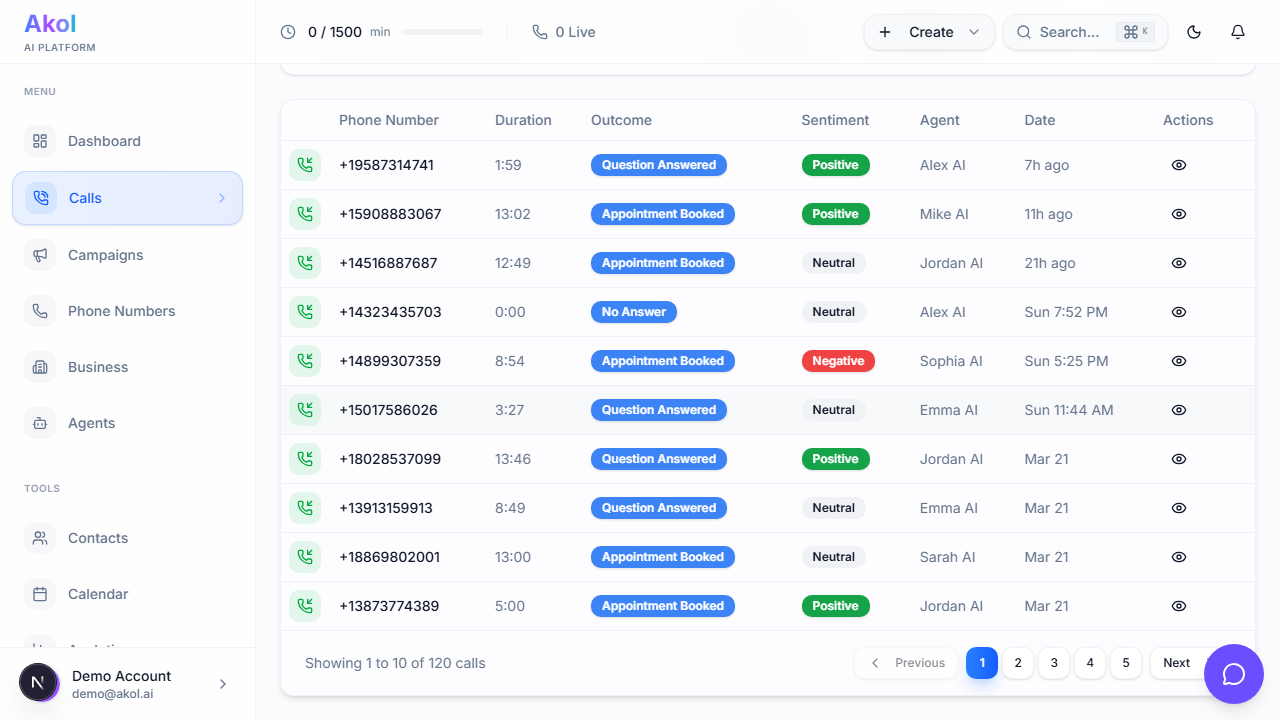
This gives you the key points without reading the full transcript.
What Else Is Captured
Along with the transcript, Akol also captures:
| Detail | Description |
|---|---|
| Sentiment | Whether the caller was positive, neutral, or negative |
| Outcome | What happened — appointment booked, message taken, etc. |
| Lead Score | How qualified the lead is (hot, warm, lukewarm, cold) |
| Tools Used | Actions the agent took (booked appointment, sent text, etc.) |
Using Transcripts to Improve
Transcripts are your best tool for improving your AI agent:
Look for Patterns
- Is your agent getting the same question wrong? Update your business profile
- Are callers asking about a service you haven’t added? Add it
- Is the greeting too long or confusing? Shorten it
Share with Your Team
Export call data or share the dashboard with team members so everyone can see what customers are asking about.
Transcripts are available for the duration of your plan’s data retention period. Export important transcripts before they expire.
Tips
- Read transcripts regularly — Especially during your first week
- Focus on negative sentiment calls — These show where your agent needs improvement
- Look at transferred calls — Understand why calls are being transferred and if your agent could handle them instead