Creating Your Account
Setting up your Akol account takes about 2 minutes.
Akol offers a Free Plan with 30 minutes of call time — no credit card required. You can also start a 14-day free trial of any paid plan for full features and more minutes.
Sign Up
Go to the Sign-Up Page
Visit app.akol.ai/sign-up to create your account.
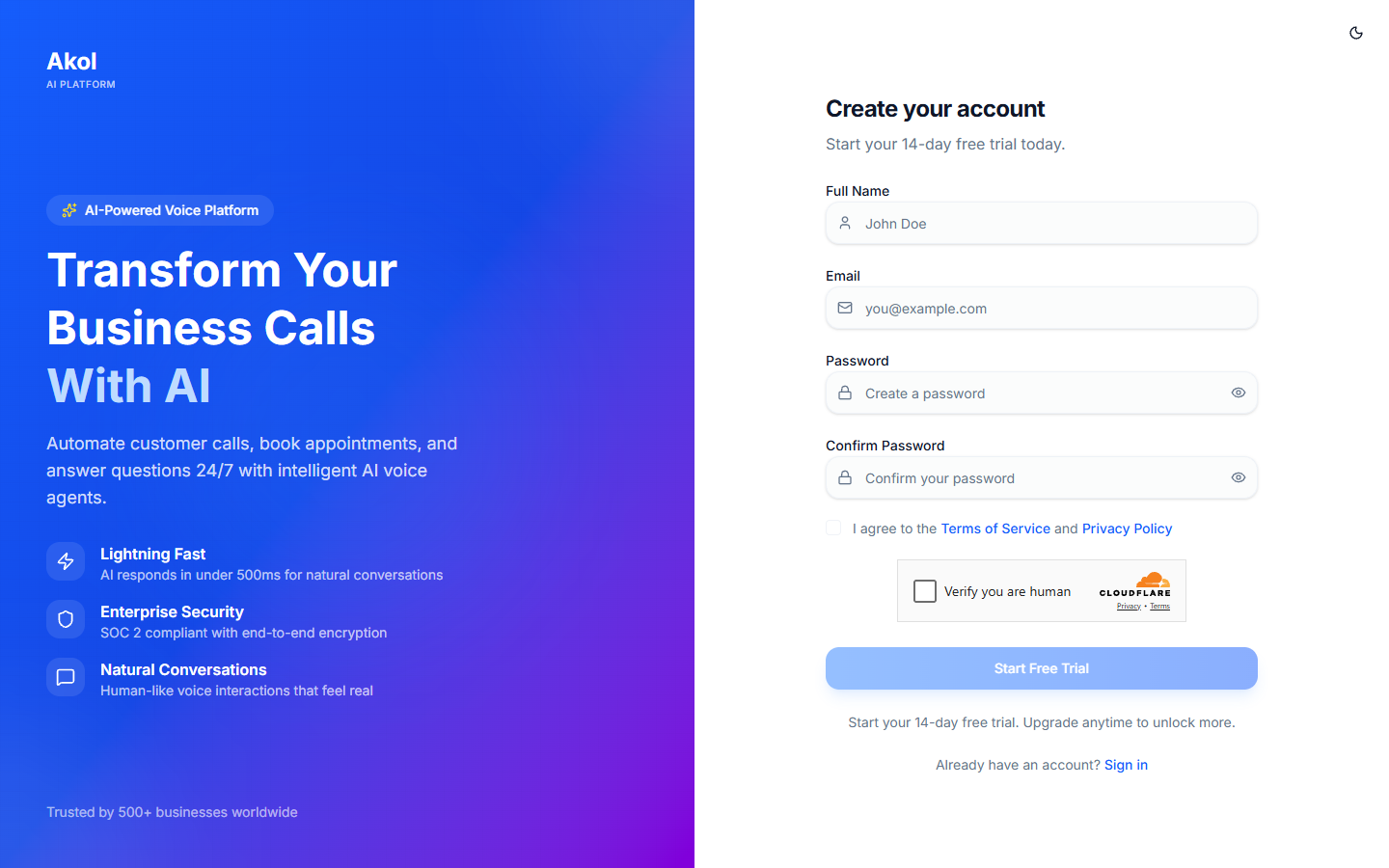
Fill in Your Details
Enter the following:
- Full Name — Your first and last name
- Email — The email you want to use for your account
- Password — Create a strong password (at least 8 characters, including a number and uppercase letter)
- Confirm Password — Type your password again
- Terms — Check the box to agree to the Terms of Service and Privacy Policy
You’ll see green checkmarks appear as your password meets each requirement.
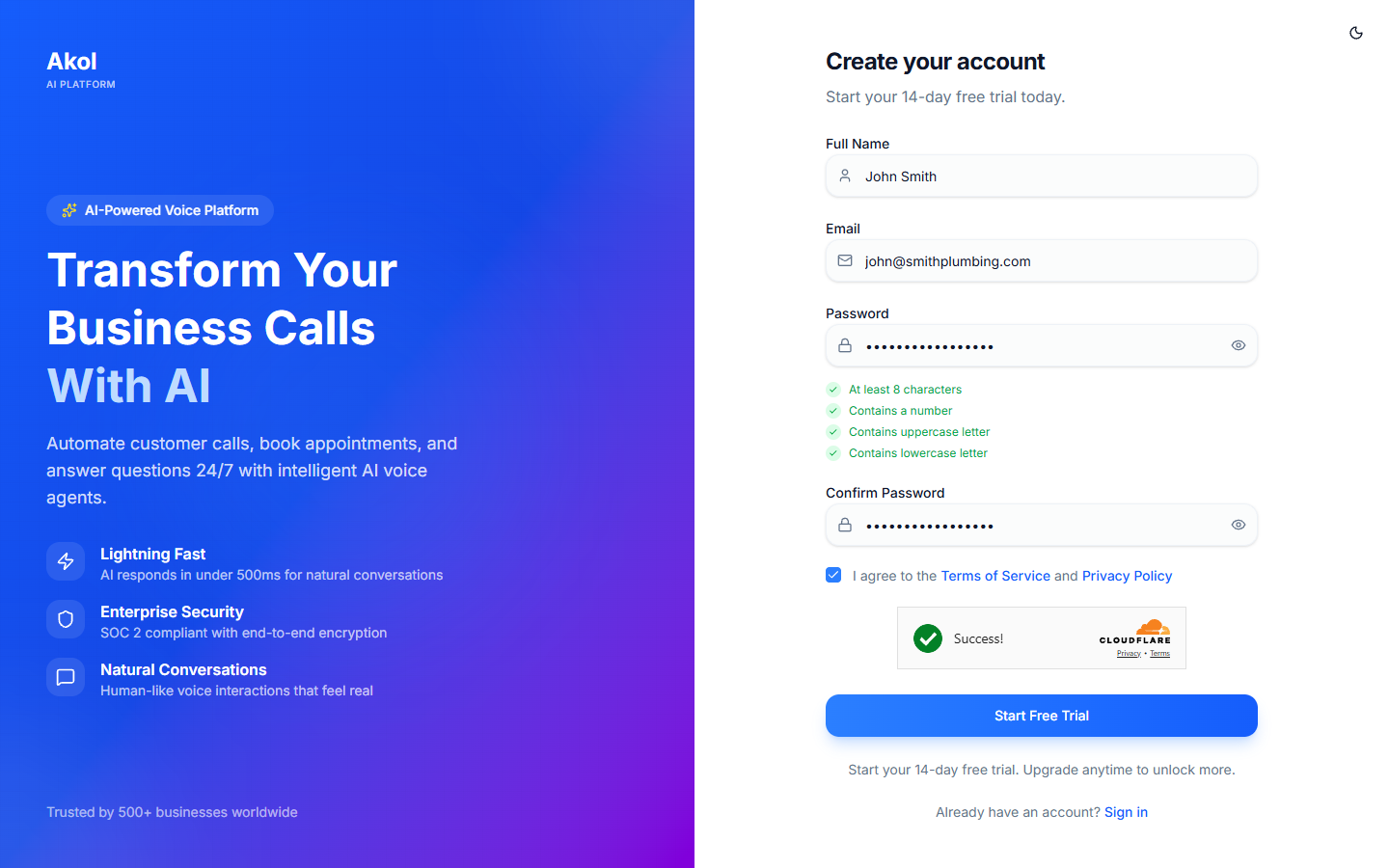
Create Your Account
Click the Sign Up button to create your account. If you came from a pricing page checkout, your paid plan trial will be activated automatically.
Verify Your Email
Check your email inbox for a verification link from Akol. Click the link to verify your account.
Don’t see the email? Check your spam or junk folder. If it’s not there, you can request a new verification email from the sign-in page.
You’re In
After verifying your email, you’ll be taken to your dashboard. You’re ready to set up your business.
What’s Included?
Free Plan (no credit card)
| Feature | What You Get |
|---|---|
| Call Minutes | 30 minutes (one-time) |
| AI Agents | Up to 2 agents |
| Phone Numbers | 1 phone number |
| Integrations | 2 integrations (like Google Calendar) |
| Dashboard | Full access to call logs, transcripts, and analytics |
Paid Plan Trial (14 days)
If you signed up through a paid plan checkout, you get the full plan features and minutes for 14 days. You won’t be charged until the trial ends.
Next Step
Now that your account is ready, let’s set up your business profile →