Teaching Your Agent About Your Business
The more your AI agent knows about your business, the better it handles calls. Here’s how to give it the information it needs.
Business Profile
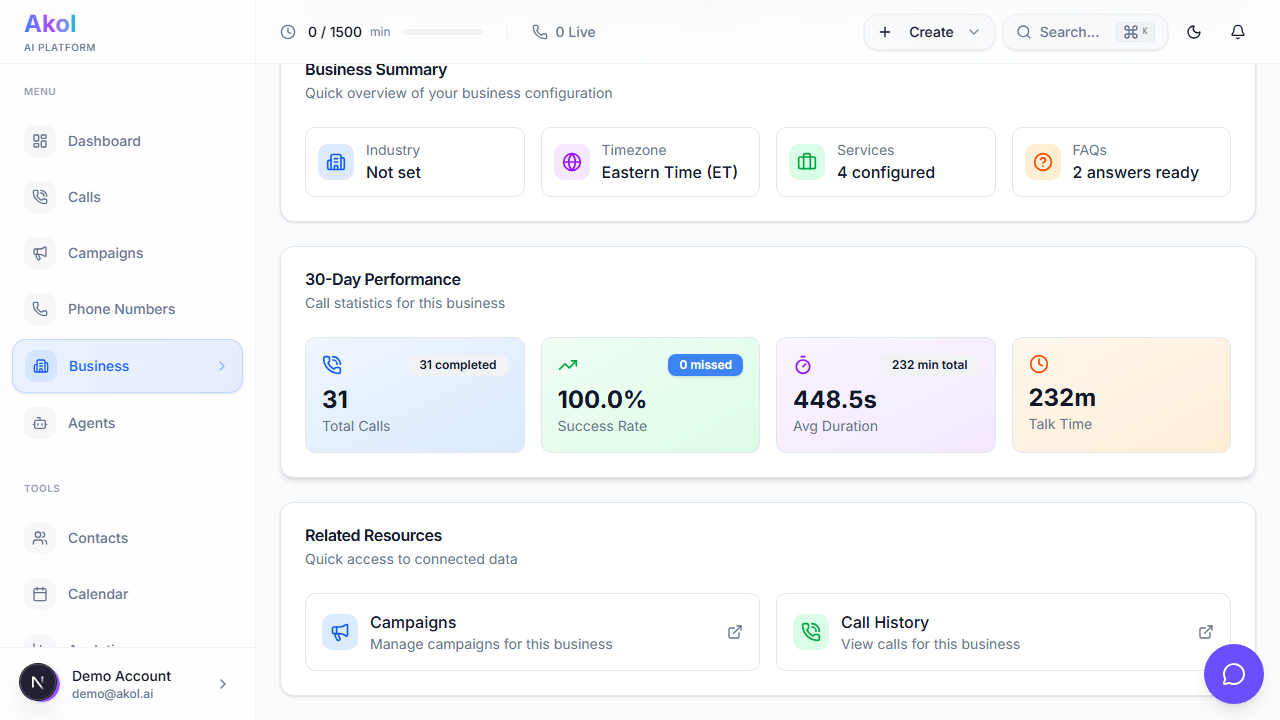
Your business profile is the foundation. Make sure it’s complete:
- Go to Dashboard > Business Profile
- Fill in all the sections
Essential Information
| Section | What to Add | Why It Matters |
|---|---|---|
| Business Name | Your company name | Agent uses it in greetings |
| Address | Your business location | Agent can give directions |
| Phone | Your main number | Agent can provide it if asked |
| Hours | Days and times you’re open | Agent tells callers when you’re available |
| Description | What your business does | Helps agent explain your services |
Services
Add every service you offer with:
- Service name — e.g., “Teeth Cleaning”, “Initial Consultation”, “Oil Change”
- Description — What’s included
- Starting price — Even a rough range helps
Why this matters: When a caller asks “How much does a consultation cost?”, your agent can answer immediately instead of saying “I’m not sure.”
Tip: Think about the last 10 calls you received. What did people ask about? Add all those services.
FAQs
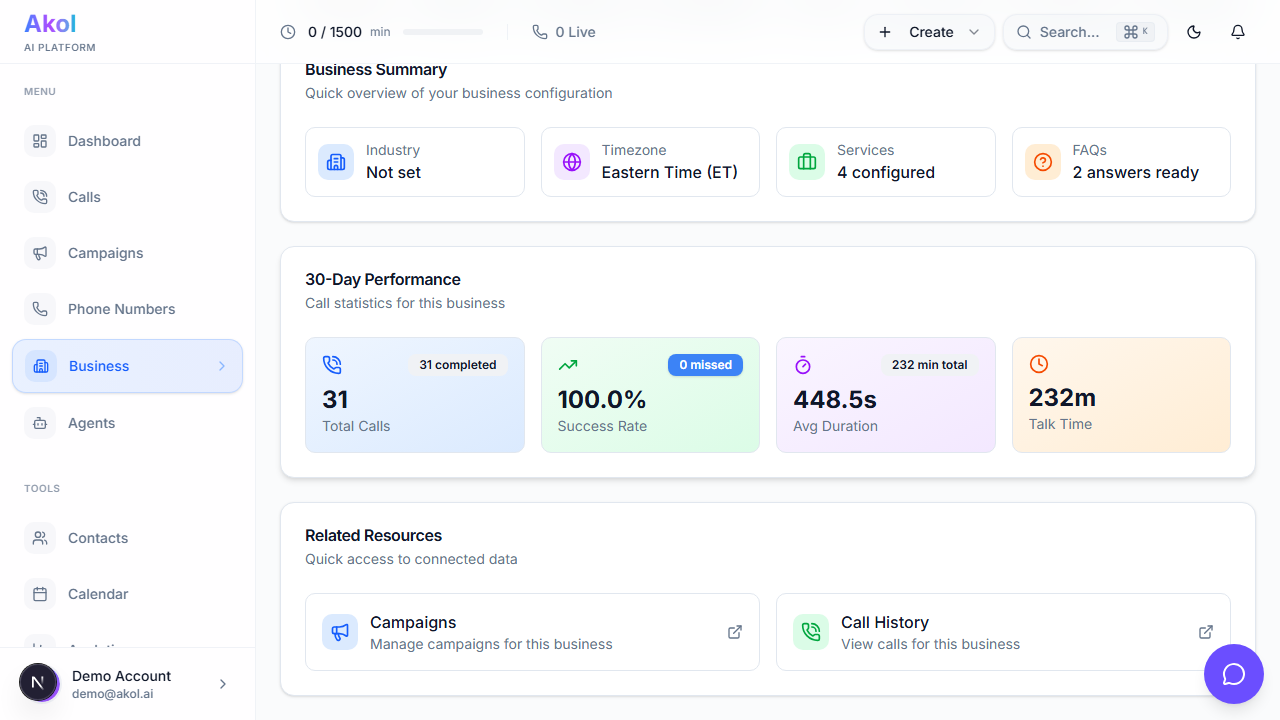
Add your most common questions and answers. Industry-specific FAQs can be pre-loaded — just click the Load FAQs button.
Common FAQs (adapt to your industry):
| Question | Example Answer |
|---|---|
| ”Are you accepting new patients/clients?" | "Yes, we’re currently accepting new patients." |
| "What areas do you serve?" | "We serve the greater [city] area, including [suburbs]." |
| "Do you accept insurance?" | "Yes, we accept most major insurance providers." |
| "What are your cancellation policies?" | "We require 24-hour notice for cancellations." |
| "Do you offer free consultations?" | "Yes, initial consultations are free." |
| "Do you have evening or weekend hours?" | "Yes, we offer Saturday appointments by request.” |
Policies
Add any policies your agent should know about:
- Cancellation policy — “24-hour notice required to avoid a $50 fee”
- Payment methods — “We accept cash, check, and all major credit cards”
- Scheduling policy — “A $50 deposit is required for appointments”
- Warranty — “All work comes with a 1-year warranty”
Improving Over Time
The best way to improve your agent is to review actual calls:
Check Call Transcripts
- Go to Dashboard > Calls
- Read through recent transcripts
- Look for places where the agent didn’t have the right answer
Common Things to Add
After reviewing calls, you might need to add:
| What You Notice | What to Add |
|---|---|
| Agent didn’t know about a service | Add the service to your business profile |
| Agent gave the wrong price | Update the price in your services |
| Agent couldn’t answer a common question | Add it to your FAQs |
| Agent didn’t know your hours | Update your business hours |
| Agent handled a situation poorly | Add specific instructions to the agent |
Update Regularly
- Review transcripts weekly during your first month
- Update your business profile whenever something changes (new services, new hours, price changes)
- Adjust agent instructions based on patterns you see in calls
Tips for the Best Results
- Be specific about pricing — “Starting at $150” is better than no price at all
- Use the language your customers use — If customers say “cleaning” instead of “prophylaxis,” use “cleaning”
- Anticipate questions — Think about what customers ask and add those FAQs
- Keep it updated — Changed your hours for the season? Update your profile
- Test after changes — Make a test call after updating to hear how it sounds