Managing Your Subscription
View your usage, change your plan, update payment details, and manage your billing — all from the dashboard.
Viewing Your Subscription
Go to Dashboard > Billing to see your current plan and usage.
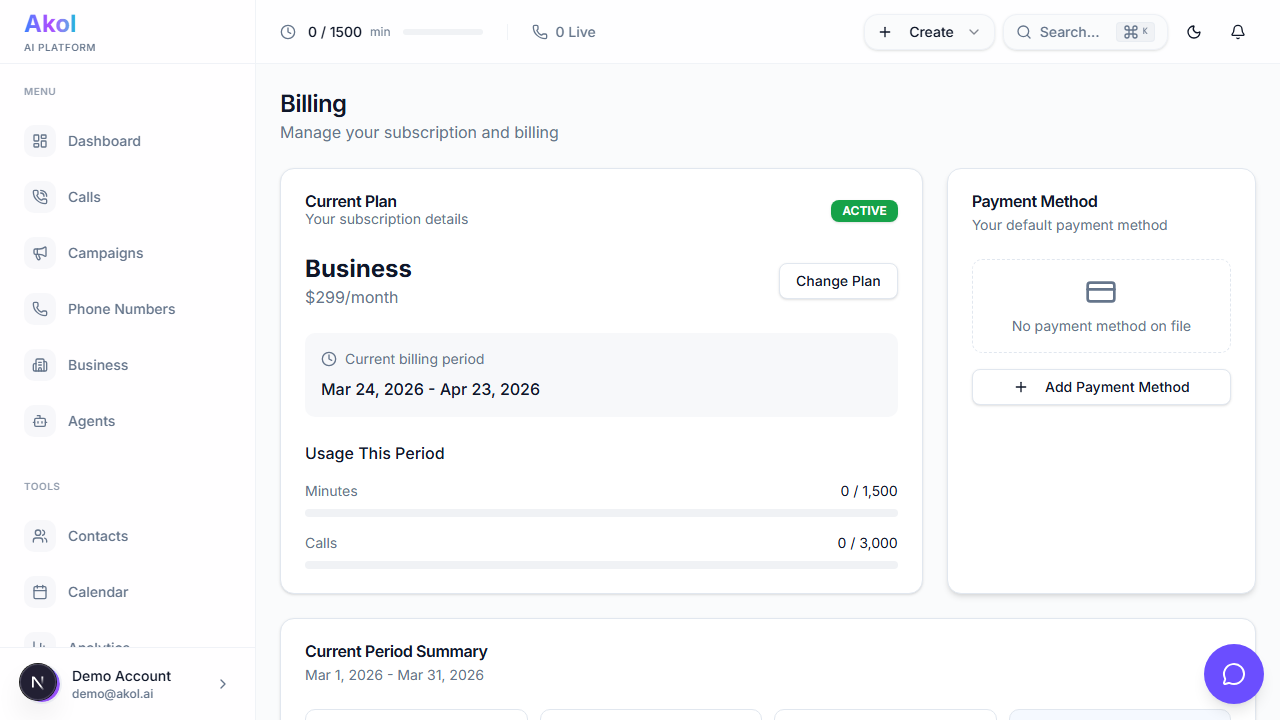
You’ll see:
- Current plan — Which plan you’re on
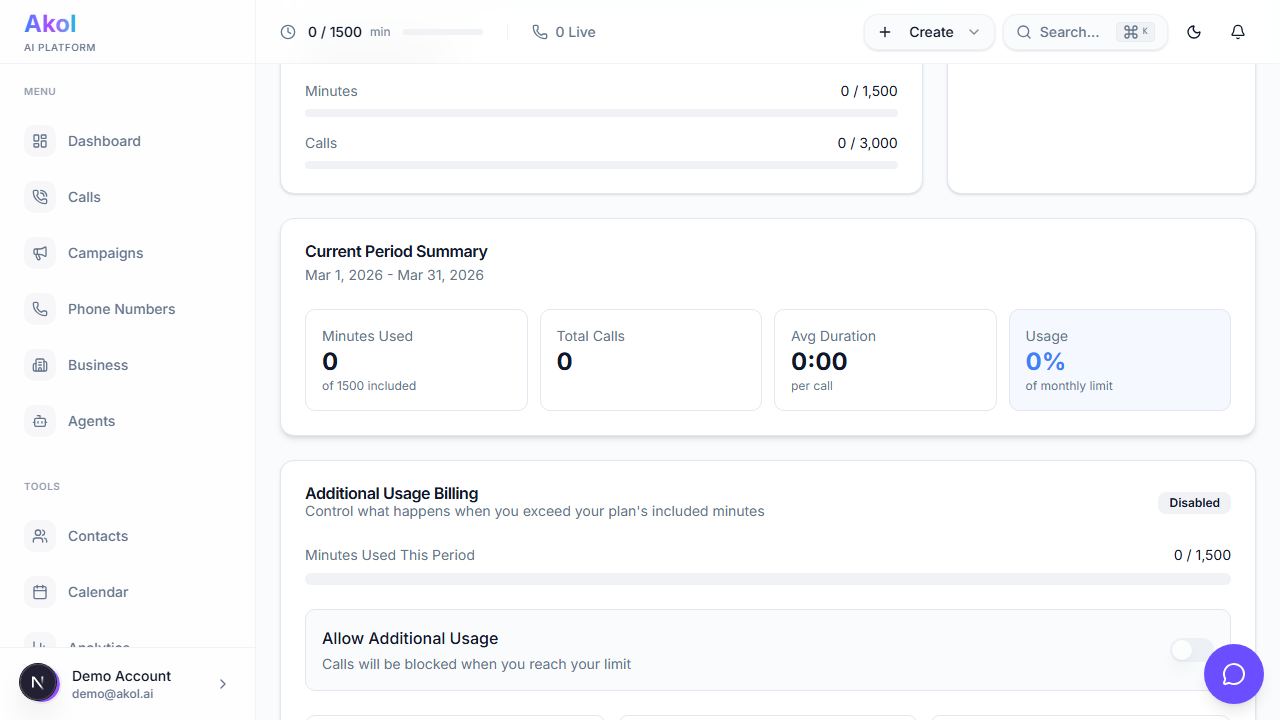
- Minutes used — How many call minutes you’ve used this month
- Minutes remaining — How many you have left
- Next billing date — When your next payment is due
- Payment method — The card on file
Checking Your Usage
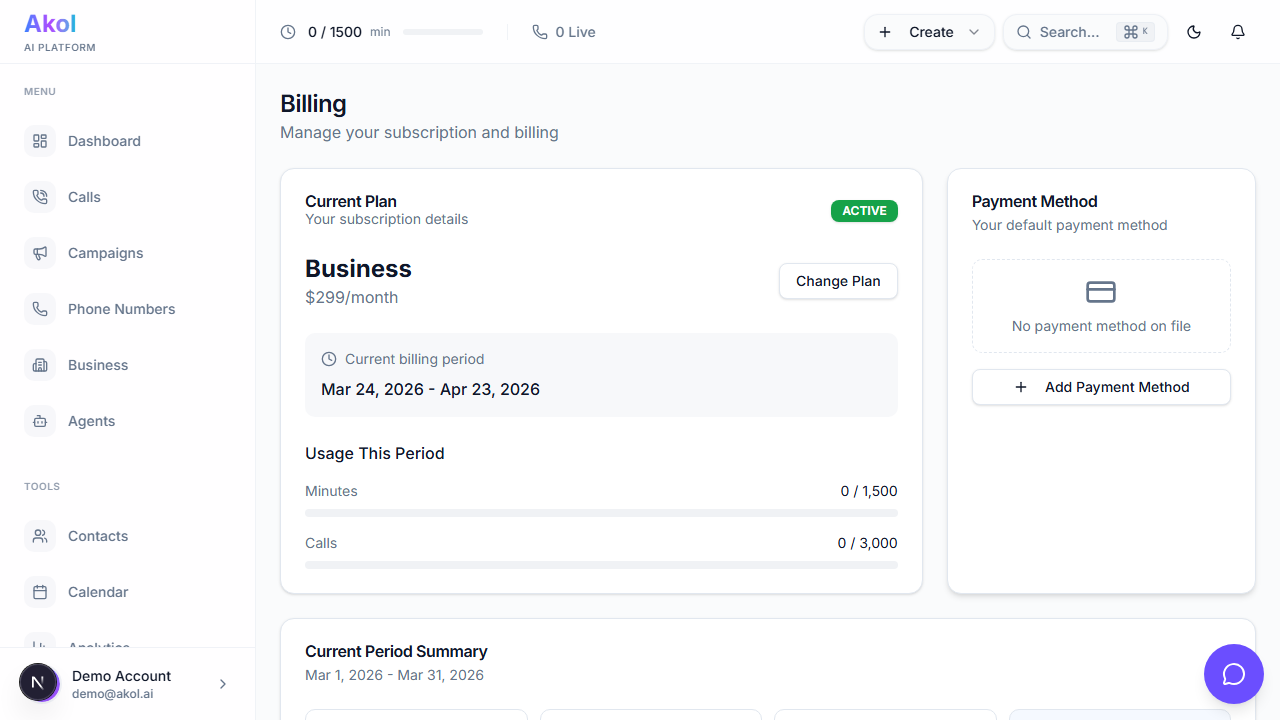
The billing page shows your minute usage for the current billing period. Keep an eye on this to make sure you’re on the right plan.
| Usage Level | What to Do |
|---|---|
| Under 50% | You’re in good shape |
| 50-80% | Keep an eye on it as the month progresses |
| Over 80% | Consider upgrading to avoid overage charges |
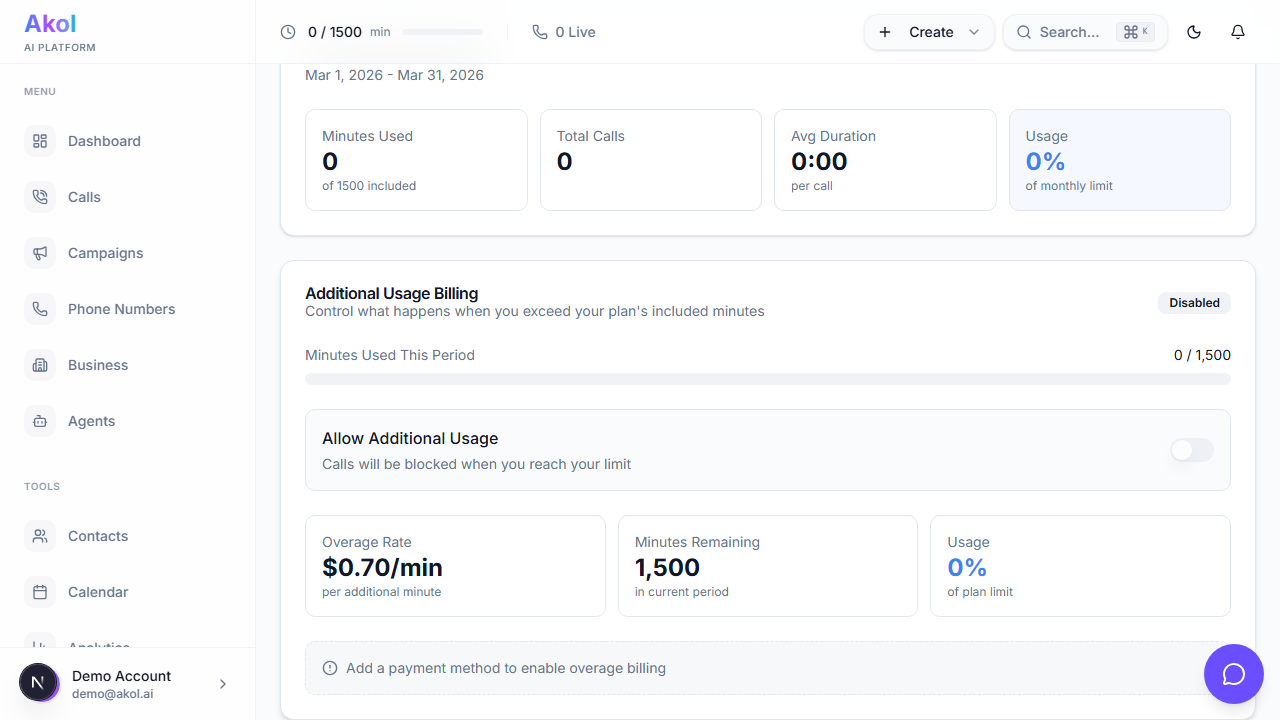
| Over 100% | You’ll be billed for additional minutes |
Upgrading Your Plan
Need more minutes or features? Upgrading is instant.
Go to Billing
Click your profile at the bottom of the sidebar, then select Billing.
Click Upgrade
Select the plan you want to upgrade to.
Confirm
Review the new pricing and confirm the change.
You’re Upgraded
Your new plan takes effect immediately. You’ll get access to the additional minutes and features right away.
When you upgrade mid-cycle, you’ll be charged a prorated amount for the remaining days in your billing period.
Downgrading Your Plan
If you need fewer minutes, you can downgrade at any time.
Go to Billing
Click your profile at the bottom of the sidebar, then select Billing.
Click Change Plan
Select a lower-tier plan.
Confirm
The downgrade takes effect at the end of your current billing period. You’ll keep your current plan’s features until then.
If you downgrade to a plan with fewer agents or phone numbers than you currently have, you may need to remove some before the change takes effect.
Updating Your Payment Method
To change the credit card on file:
- Go to Dashboard > Billing
- Click Update Payment Method
- Enter your new card details
- Save
Viewing Invoices
Your past invoices are available on the billing page. Click on any invoice to view or download it as a PDF.
Canceling Your Subscription
If you need to cancel:
- Go to Dashboard > Billing
- Click Cancel Subscription
- Confirm the cancellation
Your account will remain active until the end of your current billing period. After that:
- Your agent will stop answering calls
- Your phone numbers will be released
- Your data will be retained according to your plan’s retention period
Before canceling, consider downgrading to the Starter plan instead. At $49/month, it keeps your agent running at a lower cost.
Tips
- Check usage weekly — Avoid surprises on your bill
- Set up usage notifications — Get alerts when you’re running low on minutes
- Download invoices — Keep them for your business records and tax purposes